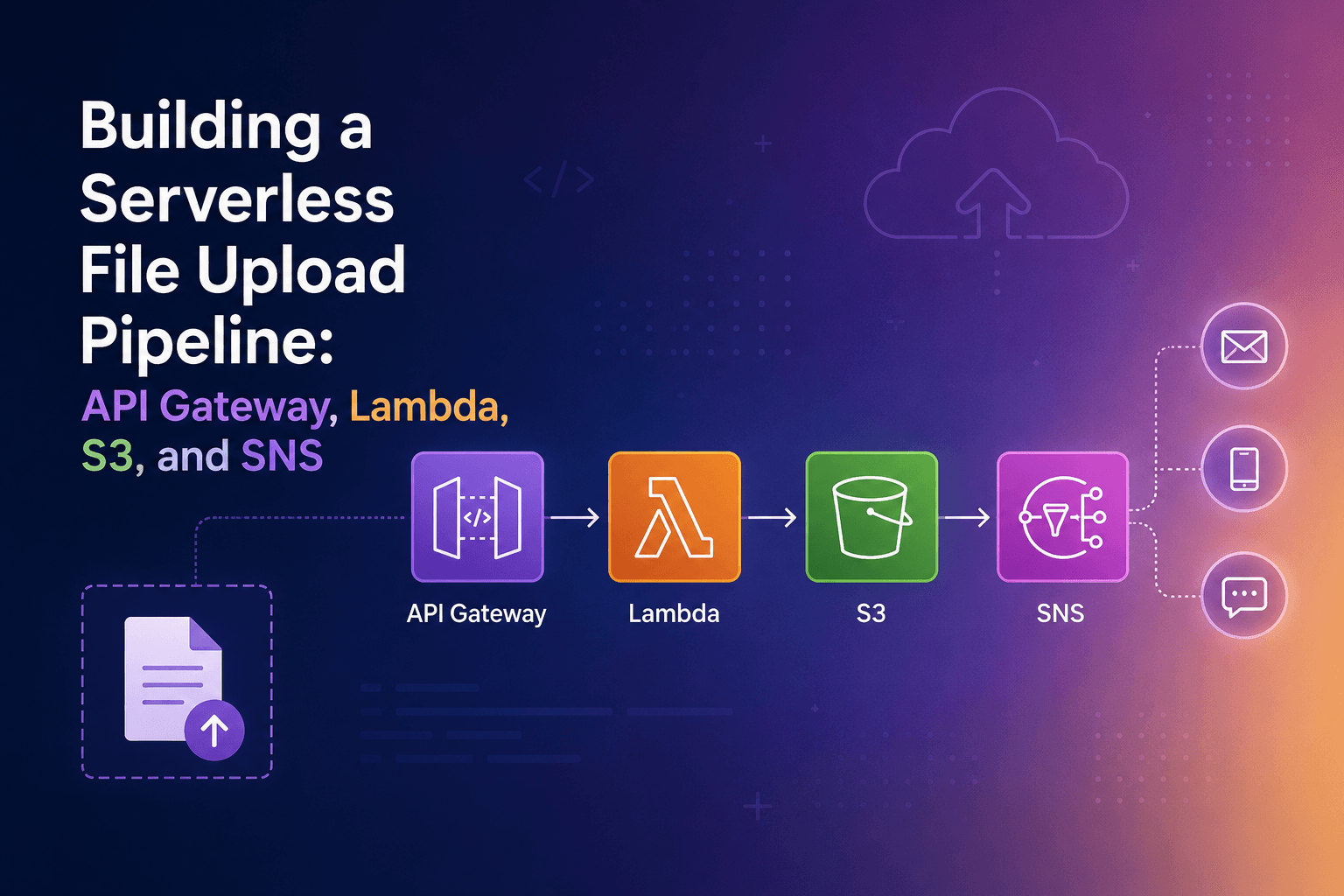

Breaking Lambda to Learn It: S3 Triggers, Permissions, and Pitfalls
A hands on walkthrough of wiring S3 to Lambda and what I learned by intentionally breaking permissions to understand execution roles vs resource based policies.

Intro
I wanted to build something simple upload a file to S3, have Lambda pick it up, log the filename. That's it. But "simple" in AWS always has layers, and somewhere between the IAM console and CloudWatch, I realized I didn't actually understand why it worked. So I broke it. On purpose. Twice. And honestly, that's when things got interesting.
1. The Setup
I started with the basics: an S3 bucket, a Lambda function, and a trigger connecting the two. Nothing fancy.
Create the S3 bucket
Head to the S3 console and create a new bucket. I kept all the defaults block public access on, no versioning. Name it something you'll recognize, like lambda-trigger-test-1x.

Create the Lambda function
In the Lambda console, create a new function from scratch. I used Python 3.14, and I let AWS create a new execution role with basic Lambda permissions.
Here's the function I used dead simple:
import json

def lambda_handler(event, context):
    for record in event['Records']:
        bucket = record['s3']['bucket']['name']
        key = record['s3']['object']['key']
        print(f"File uploaded: s3://{bucket}/{key}")

    response = {
        'statusCode': 200,
        'body': json.dumps('Done')
    }
    print(f"Response: {response}")
    return response
Wire S3 as a trigger
Inside your Lambda function, go to the Configuration → Triggers tab and add a trigger. Select S3, pick your bucket, set the event type to PUT, and Press Add. AWS will automatically adding a resource-based policy.
2. It Works , But Do You Know Why?
Upload any file to the bucket. Give it 5–10 seconds, then head to CloudWatch → Logs → Log Management→ Log groups and find the log group for your function.


What you're seeing in the logs is the event object that Lambda receives. The important part of that structure looks like this:
{
  "Records": [
    {
      "s3": {
        "bucket": {
          "name": "lambda-trigger-test-1x"
        },
        "object": {
          "key": "test_file.png",
          "size": 1024
        }
      }
    }
  ]
}
Note: The actual event has more fields like eventTime, eventName, userIdentity, etc., but for basic file uploads, you only need bucket.name and object.key
S3 sends this payload to Lambda every time a file is uploaded. Your function just loops through the records and prints the bucket and key. Clean, readable, it works. But here's the thing ,AWS added a resource based policy without really explaining about what that meant. I should have read that. That was my mistake, and I was about to discover exactly why it matters.
3. Now Break It
Here's where it gets good. I went into the Lambda console, clicked on Configuration → Permissions, scrolled down to the Resource based policy section, and deleted the policy statement that S3 had been given.

Then I went back to S3 and uploaded another file. Nothing. No logs. No error. No CloudWatch entry. Complete silence. I waited. I uploaded again. Still nothing. This is the sneaky part of AWS permissions , when S3 doesn't have permission to invoke your Lambda function, it doesn't tell you. It doesn't email you. There's no error in S3. There's nothing in Lambda. The file lands in the bucket and S3 just... shrugs. Why does this happen? S3 triggers work by S3 calling Lambda's Invoke API on your behalf. For that to work, Lambda has to explicitly say "yes, S3 is allowed to call me." That permission lives in the resource based policy, it's attached to the Lambda function itself, not to any IAM user or role. When you delete it, S3 tries to invoke Lambda, gets a 403, and quietly moves on. No retry, no alert, nothing logged on your end.
4. Fix It Manually
Time to put it back. In the Lambda console under Configuration → Permissions, click Add permissions , select AWS Service
Fill it in like this:
- Statement ID: s3-123 (anything works)
- Principal: s3.amazonaws.com
- Action: lambda:InvokeFunction
- Source ARN: arn:aws:s3:::lambda-trigger-test-1x
- Source account: you account ID. should be seen by click on your account.(XXX-XXXX-XXXX)

Save it, go upload a file, and check CloudWatch. You should see your log appear again.

This is the resource-based policy doing its job, it controls who can call your Lambda. Think of it as the front door. S3 needed a key, you took it away, and now you gave it back.
5. Break It Again , Different Way
This time we test the execution role , what Lambda is allowed to DO outbound. This time instead of touching the resource-based policy, I went to IAM → Roles, found the execution role attached to my Lambda function(search for lambda-function-test-1x), and Click Add Permissions and select AmazonS3FullAccess policy

Note: This is too broad. Lambda can do anything to any S3 bucket in your account ,delete buckets, change policies, read everything. This is a security risk.
we will remove AmazonS3FullAccess and replace it with Create Inline policy. Click on Add permissions and click on Create Inline Policy and select JSON and enter below info and click next
{
	"Version": "2012-10-17",
	"Statement": [
		{
			"Effect": "Allow",
			"Action": "s3:GetObject",
			"Resource": "arn:aws:s3:::lambda-trigger-test-1x/*"
		},
		{
			"Effect": "Allow",
			"Action": "s3:PutObject",
			"Resource": "arn:aws:s3:::lambda-trigger-test-1x/*"
		}
	]
}

Click create Policy and it should be attached.
Lambda can now ONLY read and write to this specific bucket. Nothing else. No other buckets, no delete, no list, just GetObject and PutObject on exactly one bucket. This is called least privilege.
Then I updated my Lambda function to actually do something with the file, read its contents using boto3:
import boto3

s3_client = boto3.client('s3')

def lambda_handler(event, context):
    for record in event['Records']:
        bucket = record['s3']['bucket']['name']
        key = record['s3']['object']['key']

        response = s3_client.get_object(Bucket=bucket, Key=key)

        content_type = response['ContentType']
        size = response['ContentLength']

        print(f"File uploaded: {key}")
        print(f"Bucket: {bucket}")
        print(f"Content type: {content_type}")
        print(f"File size: {size} bytes")

    return {'statusCode': 200}
You should see the logs like this.

Now go to IAM -> Roles -> search for lambda-function-test-1x and select it
Remove s3-limited-access policy by selecting it and selecting remove. it should look like this now

Upload a file. This time, you do get a log — but it's not a happy one:
[ERROR] ClientError: An error occurred (AccessDenied) when calling
the GetObject operation: Access Denied
Why is this different?
Because this time Lambda did get invoked , S3 had permission to call it (resource based policy is still intact). But once Lambda started running, it tried to reach out to S3 to read the file, and it didn't have permission to do that. That's the execution role, it controls what Lambda can do from inside. When Lambda calls other AWS services (S3, DynamoDB, SQS, anything), it uses the permissions attached to its execution role. Without S3 read access on the role, the function starts, logs the error, and fails.
6. The Key Lesson
I've seen this explained in docs a dozen times but it never clicked until I actually saw both failure modes back to back. Here's how I now think about it: What it controlsFailure modeResource based policyWho can invoke your Lambda (inbound)Silent, nothing happens, nothing is loggedExecution roleWhat your Lambda can do (outbound)Loud, function runs, throws an error, CloudWatch logs it The silent failure is the dangerous one. If S3 can't invoke Lambda, you'll never know unless you're actively monitoring. There's no alarm, no dead letter queue entry, nothing in S3 event logs by default. You could lose events and spend hours wondering why your pipeline is empty. The loud failure is actually the friendlier one your function runs, it fails with a clear error, and CloudWatch catches it. Annoying, but fixable in five minutes.
7. Conclusion
If I were starting this over, I'd add a CloudWatch alarm on Lambda errors from day one, the silent failure caught me completely off guard, and without it, I wouldn't have known anything was wrong. Next up, I want to explore what happens when you have multiple S3 event types on the same function and whether you can scope the resource-based policy to a specific prefix rather than the whole bucket. There's always another layer.