
Moving Terraform State to S3: The Bootstrap Problem Nobody Talks About
Stop storing your state locally, here is the right way to do it on AWS
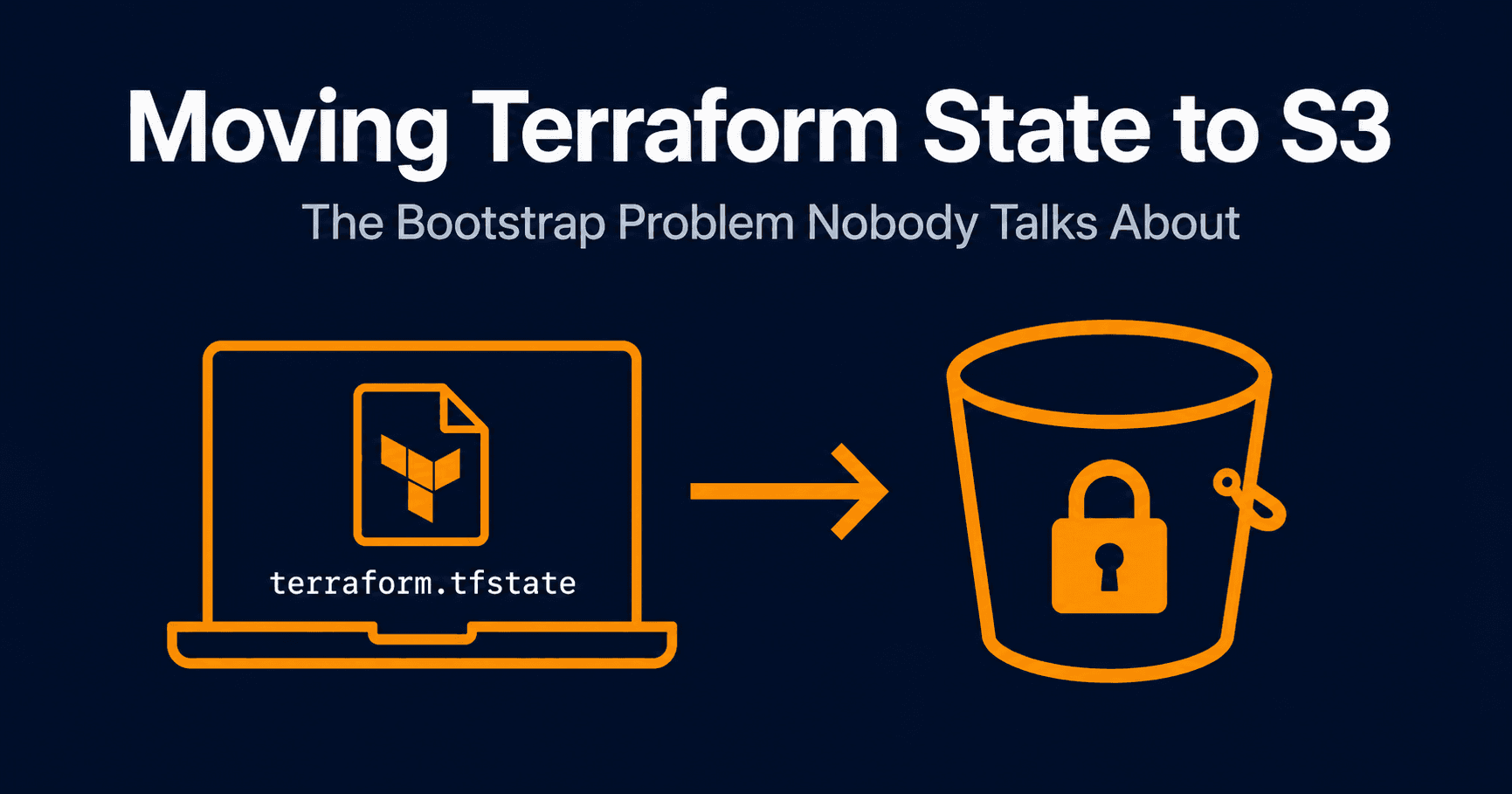
After building my three-tier AWS architecture, my terraform.tfstate was sitting on my local machine. That works fine when you are the only person touching the infrastructure, but it is a problem the moment anyone else needs to run Terraform, or you switch machines, or the file gets corrupted with no backup.
The fix is remote state in S3. But there is a catch that trips up almost everyone the first time.
The Chicken and Egg Problem
You cannot use Terraform to create the S3 bucket that Terraform will use to store its own state, at least not in the same configuration.
If you add an S3 backend block and an aws_s3_bucket resource in the same main.tf, Terraform tries to connect to the backend before it creates the bucket. The bucket does not exist yet. It fails.
Error: S3 bucket "my-tf-state" does not exist.
The solution is a separate bootstrap configuration. You create the bucket first in its own isolated Terraform project, then point your main project at it.
The Bootstrap Folder
I created a folder called 00-bootstrap alongside my main project. The 00- prefix is just a convention to signal it runs first — the name itself does not matter to Terraform.
infrastructure/
├── 00-bootstrap/     ← creates the S3 bucket
│   ├── main.tf
│   └── variables.tf
└── three-tier/       ← your actual infrastructure
    └── main.tf
Inside 00-bootstrap/variables.tf:
variable "aws_region" {
  description = "The AWS region to deploy resources in"
  type        = string
  default     = "us-east-2"
}
Inside 00-bootstrap/main.tf:
terraform {
  backend "local" {}
}

provider "aws" {
  region = var.aws_region
}

resource "aws_s3_bucket" "tf_state" {
  bucket              = "three-tier-tf-state-${var.aws_region}"
  force_destroy       = false
  object_lock_enabled = true
}

resource "aws_s3_bucket_versioning" "enabled" {
  bucket = aws_s3_bucket.tf_state.id
  versioning_configuration {
    status = "Enabled"
  }
}

resource "aws_s3_bucket_object_lock_configuration" "tf_state" {
  bucket = aws_s3_bucket.tf_state.id

  rule {
    default_retention {
      mode = "GOVERNANCE"
      days = 1
    }
  }
}

resource "aws_s3_bucket_public_access_block" "tf_state" {
  bucket                  = aws_s3_bucket.tf_state.id
  block_public_acls       = true
  block_public_policy     = true
  ignore_public_acls      = true
  restrict_public_buckets = true
}
A few things worth explaining here.
backend "local" {} the bootstrap config stores its own state locally. That is fine because this config only runs once and never changes. You are not managing production infrastructure here, just a bucket.
object_lock_enabled = true this must be set at bucket creation time, not after. Object lock prevents the state file from being deleted or overwritten. It has to be declared on the bucket resource itself, not just on the lock configuration resource.
Versioning if your state file ever gets corrupted, versioning lets you restore a previous working version. Always enable this on a state bucket.
Public access block state files contain sensitive information about your infrastructure. There is no reason this bucket should ever be public.
Run the Bootstrap
cd 00-bootstrap
terraform init
terraform apply
Once that completes your S3 bucket exists and is ready to use.
Add the Backend to Your Main Project
Now go to your three-tier project and add a backend block to main.tf:
terraform {
  backend "s3" {
    bucket       = "three-tier-tf-state-us-east-2"
    key          = "three-tier/terraform.tfstate"
    region       = "us-east-2"
    use_lockfile = true
  }
}
The key is the path inside the bucket where your state file will live. Using a prefix like three-tier/ means you can use the same bucket for multiple projects later just use a different key per project.
use_lockfile = true is the modern way to handle state locking. Before Terraform 1.10, you needed a DynamoDB table just to lock the state file during operations. That is no longer required. Native S3 locking handles it now.
Migrate the Existing State
Run terraform init inside your three-tier folder:
terraform init
Terraform detects that you have existing local state and a new backend configured. It asks:
Do you want to copy existing state to the new backend?
Type yes. Terraform migrates everything automatically. Your local terraform.tfstate becomes empty and your state now lives in S3.
Verify it landed there:
aws s3 ls s3://three-tier-tf-state-us-east-2/three-tier/
You should see your terraform.tfstate file sitting in the bucket.
What Changes Day to Day
Every Terraform operation now follows this flow:
terraform plan / apply
        ↓
reads current state from S3
        ↓
acquires lock so nobody else can apply simultaneously
        ↓
compares state with your .tf files
        ↓
makes changes
        ↓
writes updated state back to S3
        ↓
releases lock
The locking piece matters in a team environment. If two people run terraform apply at the same time against the same state, you get conflicts and potentially corrupted state. The lock prevents that — only one operation runs at a time.
One Thing to Never Do
Do not destroy the bootstrap bucket. Ever.
If you run terraform destroy inside 00-bootstrap you lose the S3 bucket and everything in it. Terraform loses track of all the infrastructure it has created. The next terraform apply would try to create everything from scratch, conflicting with resources already running in AWS.
Treat the bootstrap bucket as permanent infrastructure. It only goes away when you are tearing down the entire project for good.
What Is Next
The next step is enabling RDS IAM Authentication , replacing the hardcoded database password in my Terraform config with token-based access. Storing credentials like Admin1234! directly in Terraform is exactly the kind of thing that causes production incidents. There is a better way.