
Refactoring Terraform: From One File to Modules
One flat file works until it doesn't — here is how to fix that
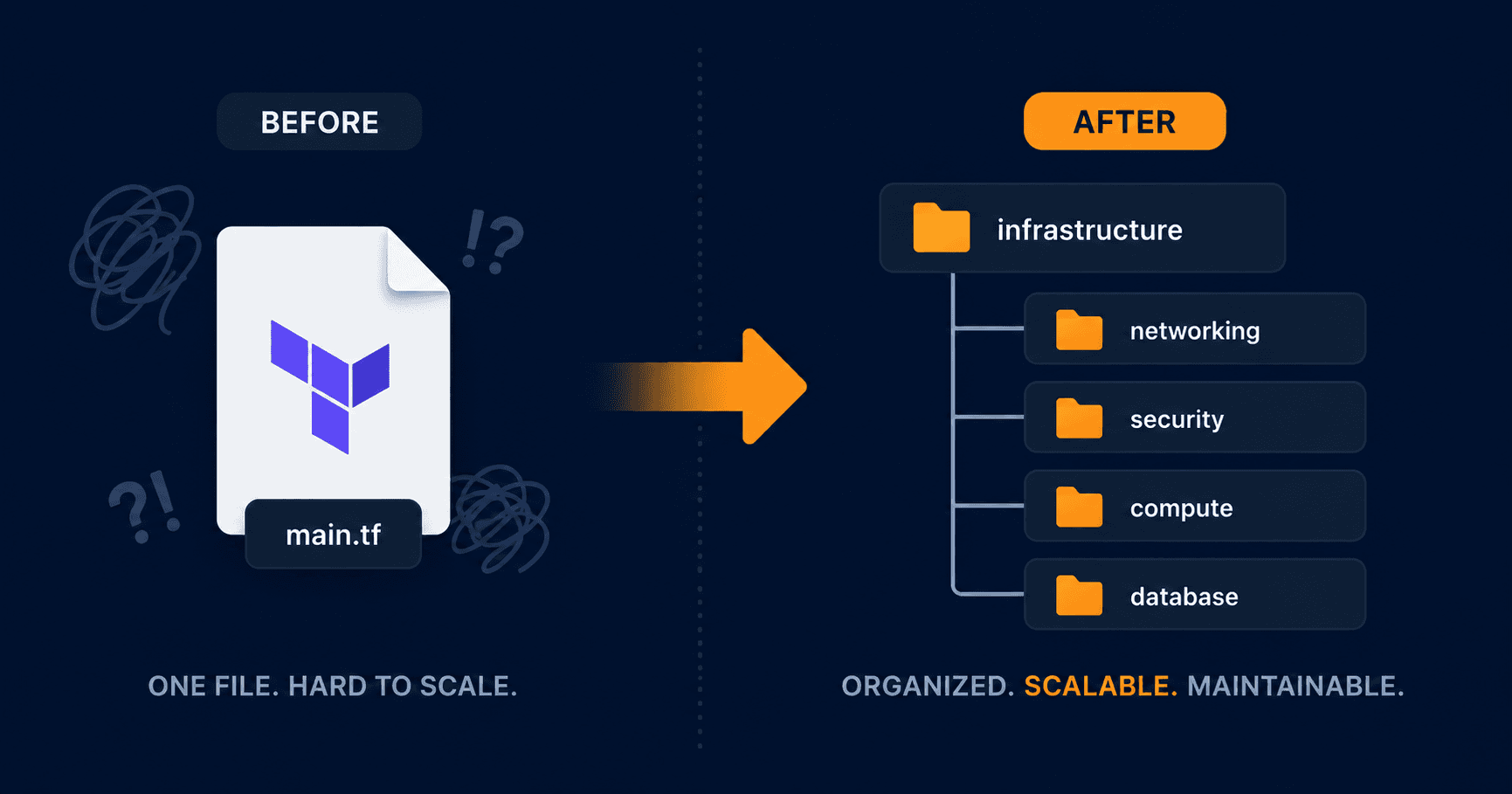
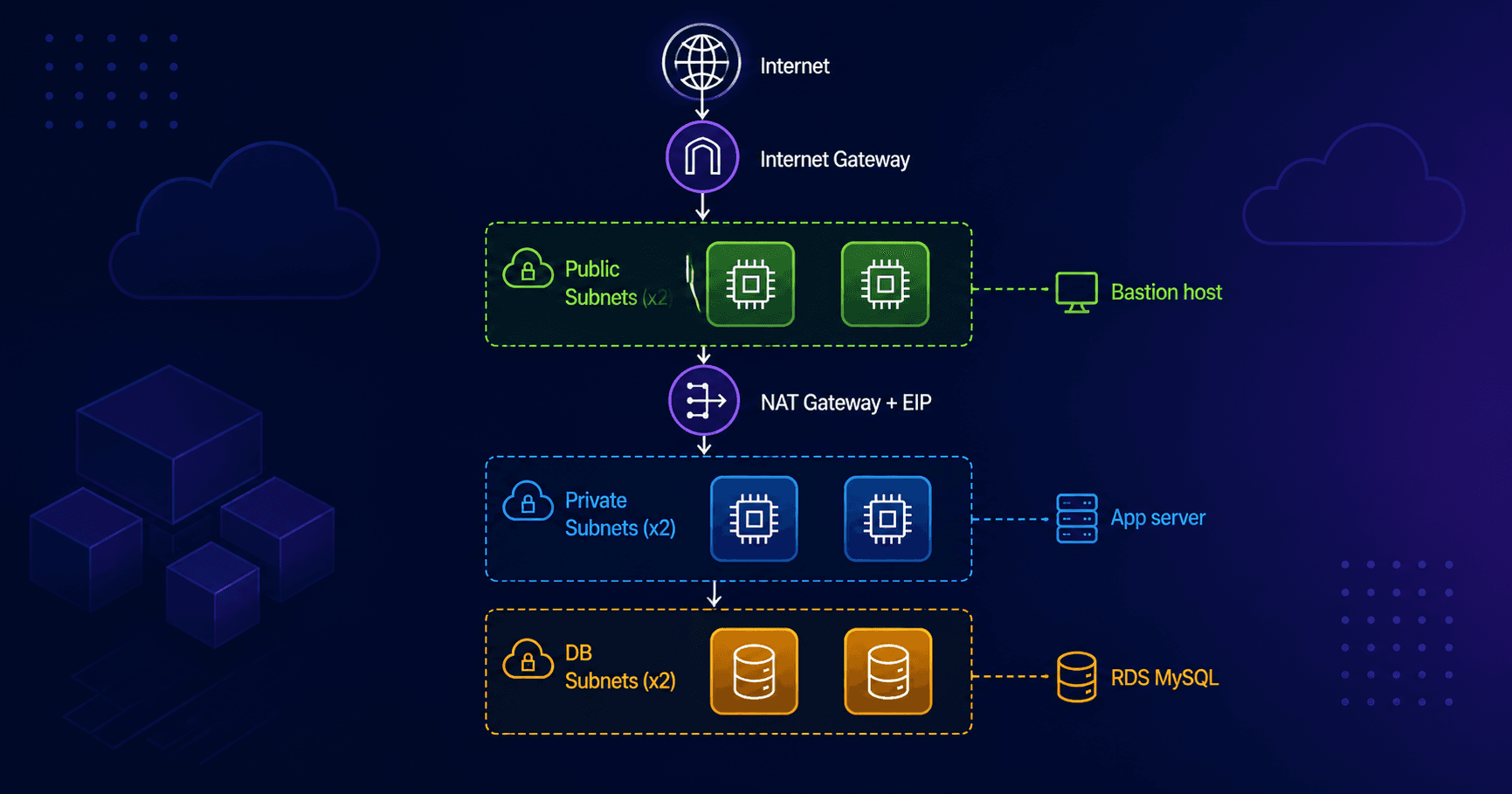
My three-tier AWS architecture worked. VPC, subnets, bastion host, app server, RDS, all deployed and running. But my main.tf was a flat file with everything mixed together. Security groups next to route tables next to RDS instances next to IAM roles.
It worked for a learning project. It would not work in a real team environment where multiple people need to understand, maintain, and extend the infrastructure.
So I refactored it into modules. Here is what I learned.
What Is a Module
A module is just a folder with its own Terraform files. Nothing magic about it. You move related resources into that folder, define what it needs as inputs, define what it exposes as outputs, and then call it from your root configuration.
The root main.tf becomes an orchestrator, it calls each module and wires them together by passing outputs from one into inputs of another.
The Final Structure
Before refactoring everything lived in one file. After:
three-tier/
├── main.tf               ← calls all modules, wires them together
├── variables.tf
├── outputs.tf
└── module/
    ├── networking/
    │   ├── main.tf
    │   ├── variable.tf
    │   └── outputs.tf
    ├── security/
    │   ├── main.tf
    │   ├── variable.tf
    │   └── outputs.tf
    ├── compute/
    │   ├── main.tf
    │   ├── variable.tf
    │   └── output.tf
    └── database/
        ├── main.tf
        ├── variable.tf
        └── output.tf
Each module owns one concern:
networking  → VPC, subnets, IGW, NAT gateway, route tables
security    → security groups and all ingress/egress rules
compute     → IAM roles, instance profile, SSM, key pair, EC2 instances
database    → RDS instance, DB subnet group
The Core Pattern: Outputs and Variables
This is the most important thing to understand before you start. Modules cannot reach outside themselves. If the compute module needs the VPC ID, it cannot just reference aws_vpc.main.id that resource lives in the networking module now.
The pattern is always three steps:
Step 1 Output it from the source module:
# module/networking/outputs.tf
output "vpc_id" {
  value = aws_vpc.main.id
}
Step 2 Declare it as a variable in the receiving module:
# module/security/variable.tf
variable "vpc_id" {
  description = "VPC ID from networking module"
  type        = string
}
Step 3 Pass it through the root main.tf:
# main.tf
module "security" {
  source = "./module/security"
  vpc_id = module.networking.vpc_id
}
Every cross-module reference follows this exact pattern. Once you internalize it the errors stop being confusing.
The Dependency Order
Modules depend on each other in a specific order. Networking has no dependencies so it goes first. Security needs the VPC ID from networking. Compute and database both need outputs from networking and security.
networking  → no dependencies
    ↓
security    → needs vpc_id from networking
    ↓
compute     → needs subnet IDs from networking
            → needs bastion_sg_id, private_sg_id from security
database    → needs db subnet IDs from networking
            → needs db_sg_id from security
Terraform figures out the order automatically based on these references. You do not need to use depends_on explicitly as soon as you reference module.networking.vpc_id, Terraform knows networking must complete before security starts.
How I Approached the Refactor
I did it one module at a time, starting with networking. The process for each module was:
Create the module folder and files
Move the relevant resources into
module/networking/main.tfAdd a
module "networking"call in rootmain.tfRun
terraform planFix the errors — usually missing outputs or undeclared variables
Repeat for next module
The errors I kept hitting all looked like this:
Error: Reference to undeclared resource
  on main.tf line 38, in resource "aws_security_group" "bastion_sg":
  vpc_id = aws_vpc.main.id

A managed resource "aws_vpc" "main" has not been declared in the root module.
This means a resource is trying to reference something that has moved into a module. The fix is always the same , output it from the module, declare a variable in the receiving module, pass it through root.
The State Migration Problem
Here is something nobody warns you about when refactoring Terraform into modules.
When you move a resource from root into a module, its address in the state file changes. What was aws_vpc.main becomes module.networking.aws_vpc.main. Terraform sees this as a different resource, it thinks the old one was deleted and a new one needs to be created.
Running terraform plan after the refactor showed this:
Plan: 27 to add, 0 to change, 27 to destroy.
That is not what you want. It would destroy and recreate all your infrastructure.
The proper fix for a production environment is terraform state mv , a command that tells Terraform a resource just moved, it was not deleted. You run one command per resource:
terraform state mv aws_vpc.main module.networking.aws_vpc.main
terraform state mv aws_subnet.main_subnet_public_1 module.networking.aws_subnet.main_subnet_public_1
# ... one for every resource
For a learning project with no real traffic or data at risk, the simpler path is:
terraform destroy
terraform apply
Destroy everything, apply fresh from the new module structure. Same end result, no manual state migration required.
The apply completed cleanly:
Apply complete! Resources: 35 added, 0 changed, 0 destroyed.
What the Root main.tf Looks Like Now
The root main.tf went from a flat list of 43+ resources to a clean orchestration file:
module "networking" {
  source     = "./module/networking"
  aws_region = var.aws_region
}

module "security" {
  source = "./module/security"
  vpc_id = module.networking.vpc_id
}

module "compute" {
  source                = "./module/compute"
  public_subnet_id      = module.networking.public_subnet_id
  private_subnet_id     = module.networking.private_subnet_id
  bastion_sg_id         = module.security.bastion_sg_id
  private_sg_id         = module.security.private_sg_id
}

module "database" {
  source         = "./module/database"
  db_subnet_1_id = module.networking.db_subnet_1_id
  db_subnet_2_id = module.networking.db_subnet_2_id
  db_sg_id       = module.security.db_sg_id
}
You can read this and immediately understand the infrastructure. Four modules, clear dependencies, no hunting through hundreds of lines to find what you need.
What I Learned
Modules are just folders. There is no magic. The mental shift is understanding that resources can no longer reference each other directly once they live in different modules. Everything goes through outputs and variables.
Start with networking. It has no dependencies so there are no wiring errors to debug. Get networking working first, then add security, then compute and database.
The state migration problem is real. In production you would never destroy and recreate. You would use terraform state mv or moved blocks to migrate state without downtime. For a learning project, destroy and recreate is fine, but knowing why the problem exists is important.
The root main.tf should be an orchestrator, not a resource file. If you have resource blocks in your root main.tf alongside module calls, that is a signal something belongs in a module.
What Is Next
The next step is enabling RDS IAM Authentication, replacing the hardcoded database password with token-based access. Storing credentials directly in Terraform is a bad practice and there is a cleaner way to handle it.